Personal link
Each registration can receive its own direct participation link.
Run branded, secure and participatory events in one place, from invitation to follow-up.
Your event page, registration, broadcast and attendee emails in one service. Prepare your webinar and keep in touch with the audience afterward.
Create a branded event page and publish it when it is ready.
Register attendees and send automatic confirmations and reminders.
Bring questions, discussion and polls into the live session.
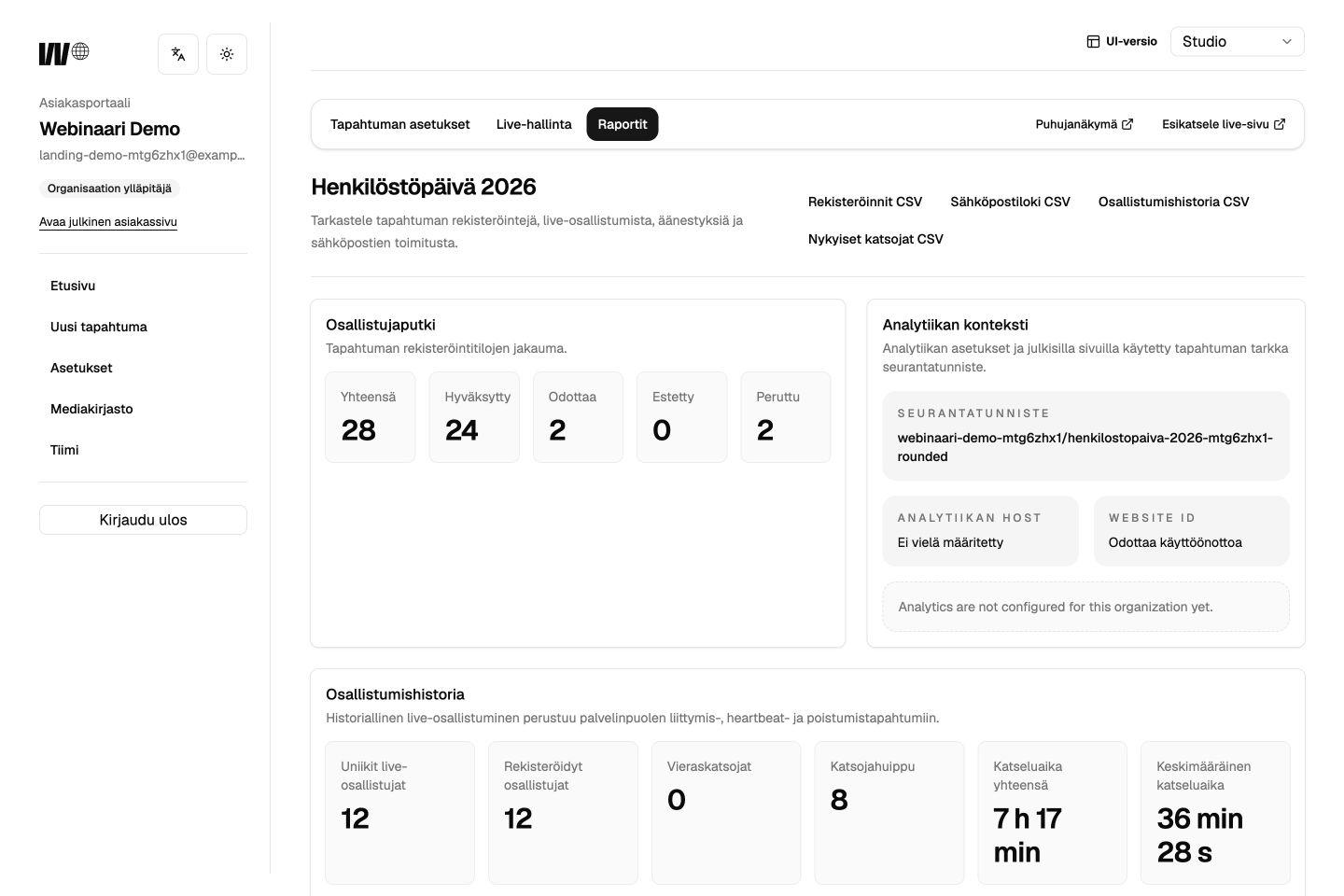
See who registered and how the audience took part.
Share the replay and schedule follow-up communication.
Invite attendees with a personal link or let them sign in by email. For internal events, limit registration to email addresses from your organization.
Each registration can receive its own direct participation link.
Attendees receive a sign-in link by email. No separate password is needed.
Limit registration to the email domains your organization has approved.
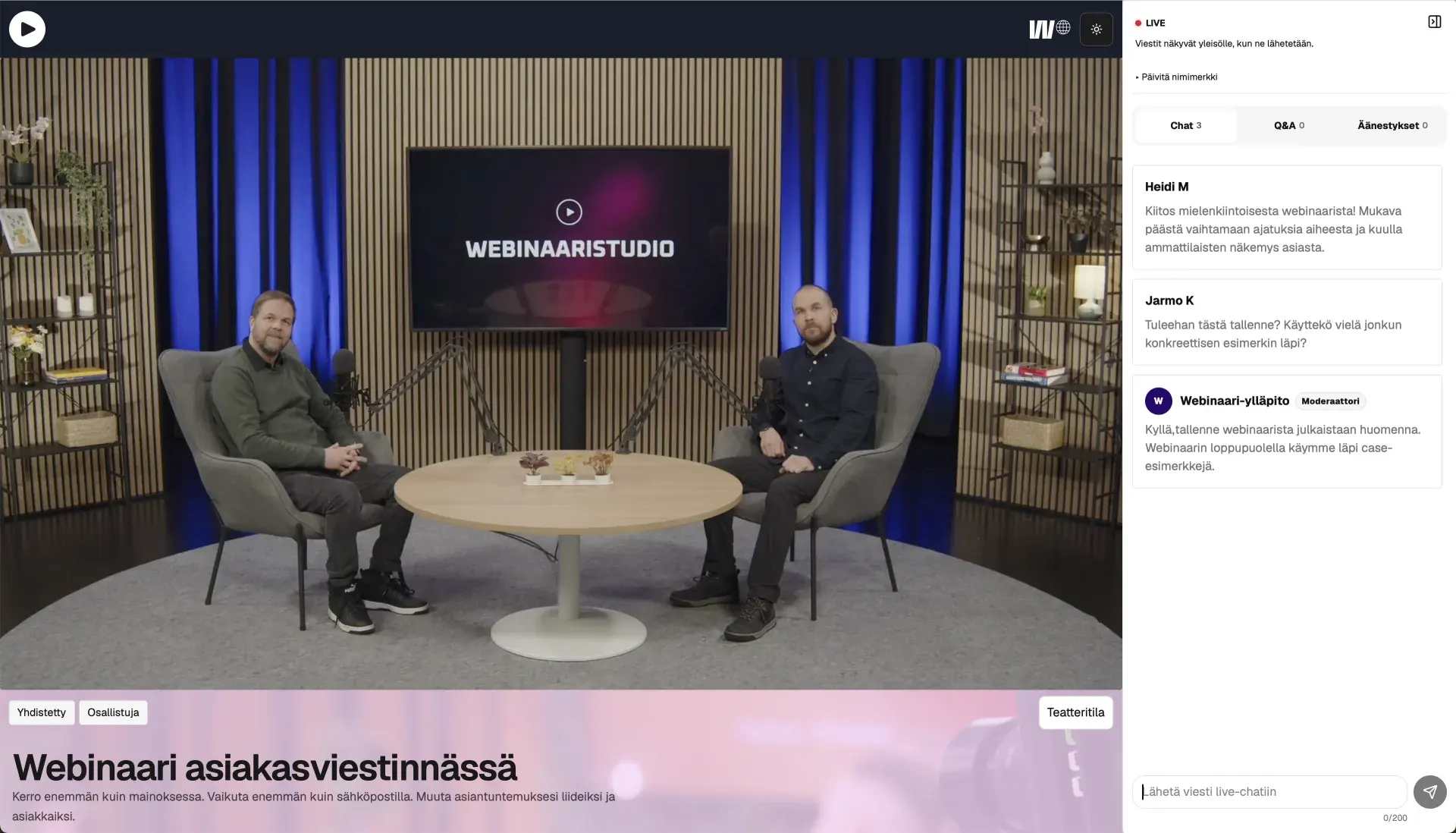
Host an open webinar or invite just your organization. Choose how attendees join and whether audience messages appear straight away or after review.
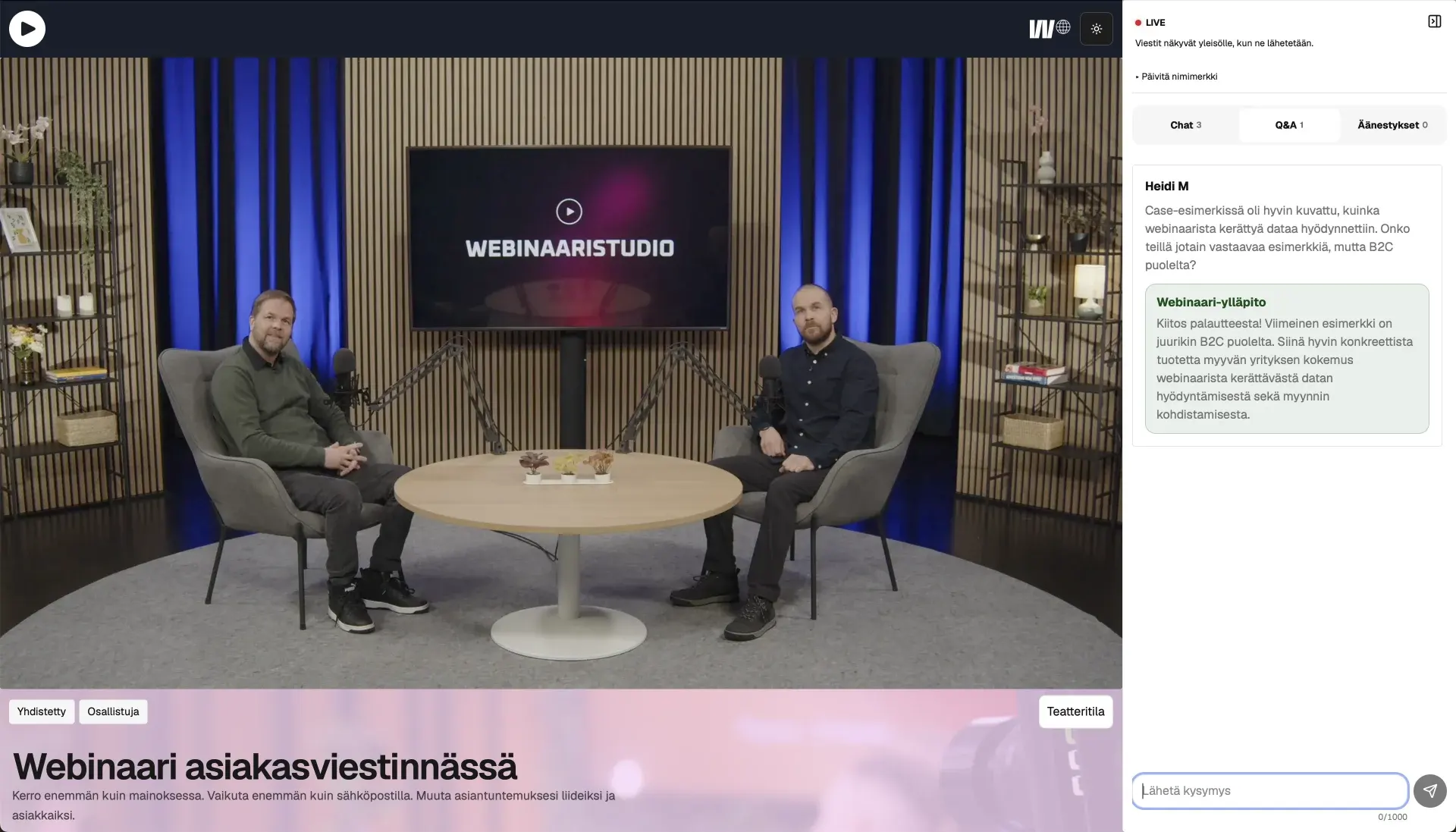
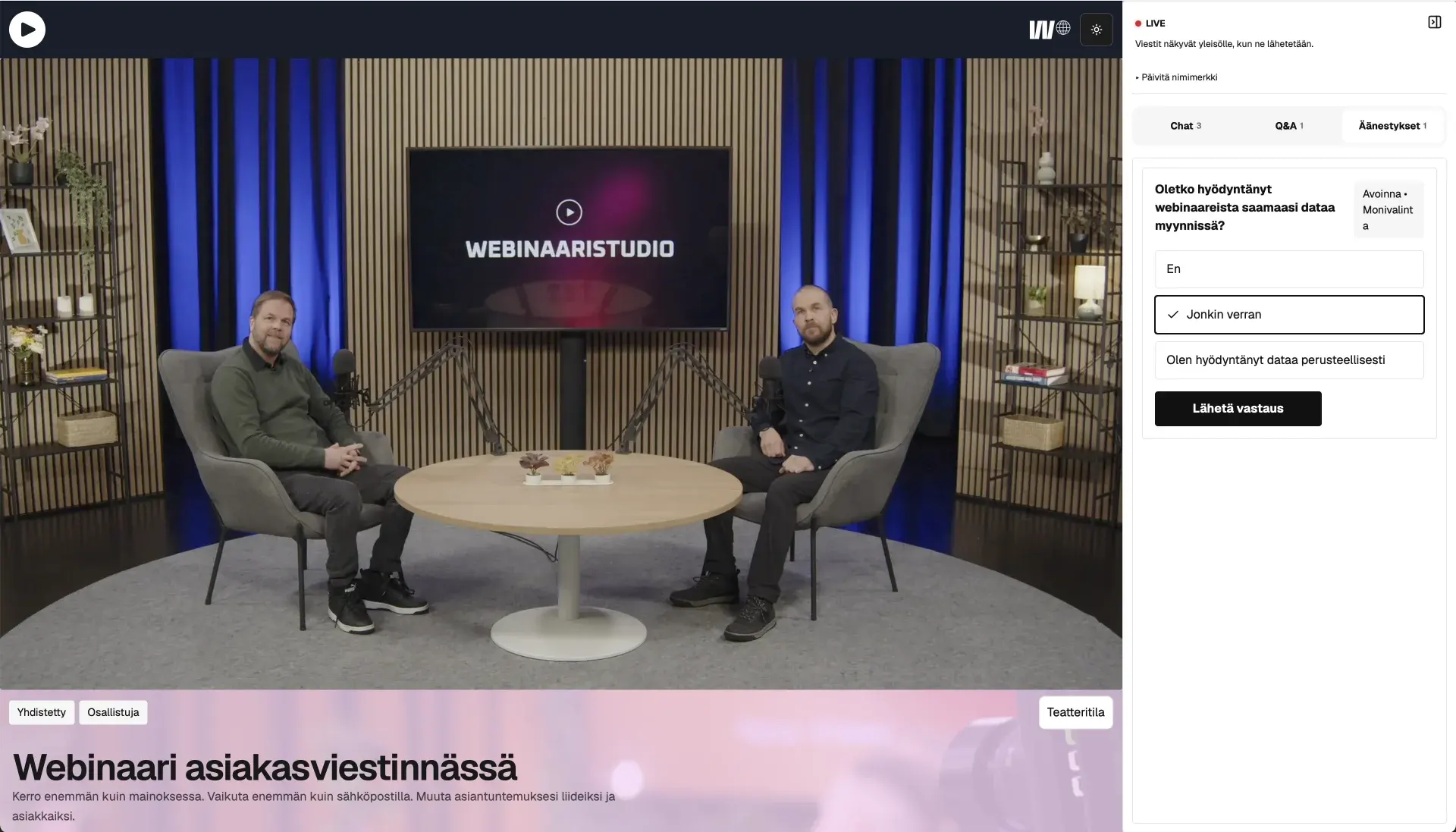
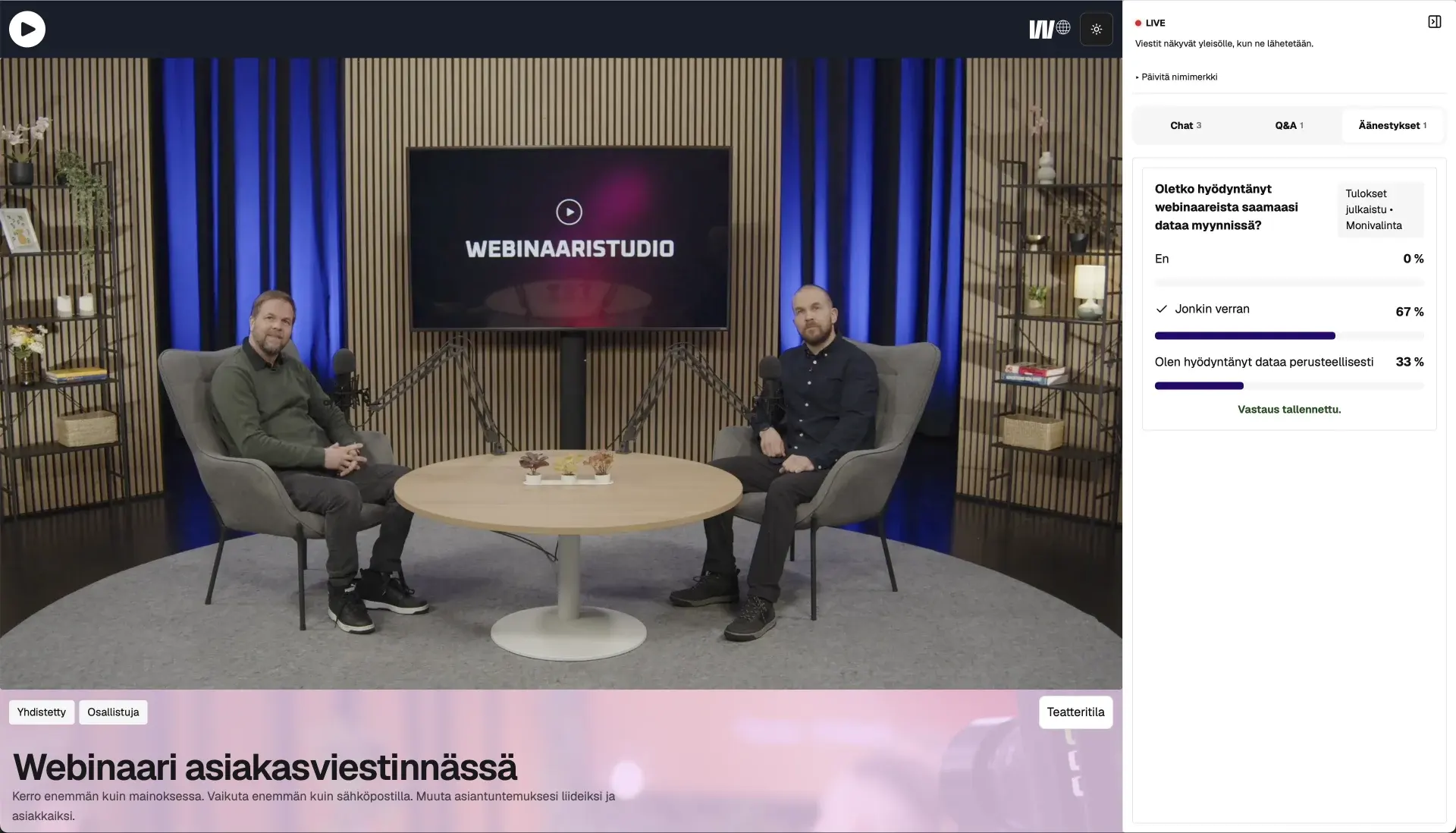
Ask a question, start a conversation or find out what your audience thinks. Everyone can take part right beside the video.
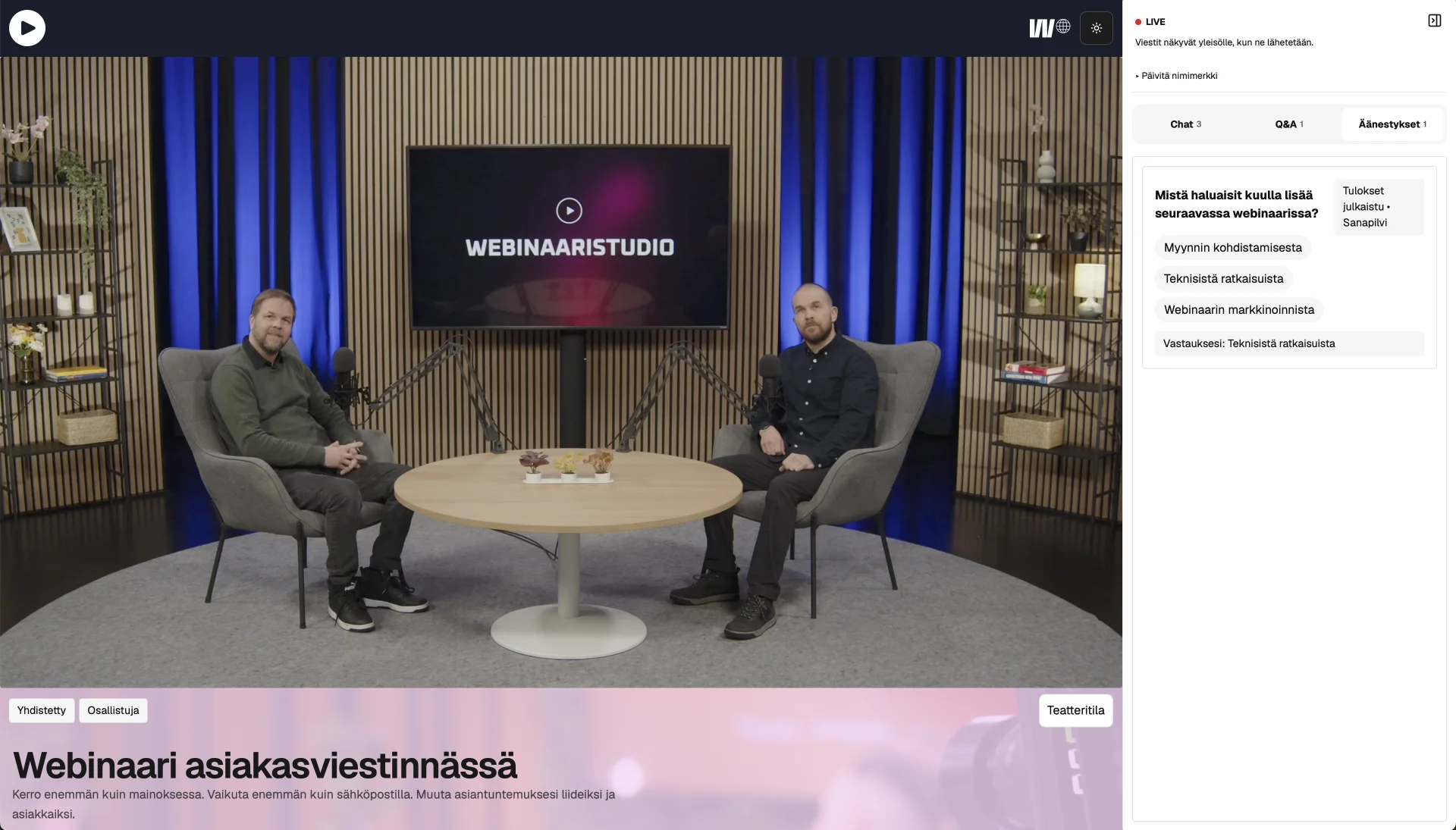
Ask for ideas or first impressions. Short answers form a shared word cloud, with the most popular responses standing out.
View full screenshot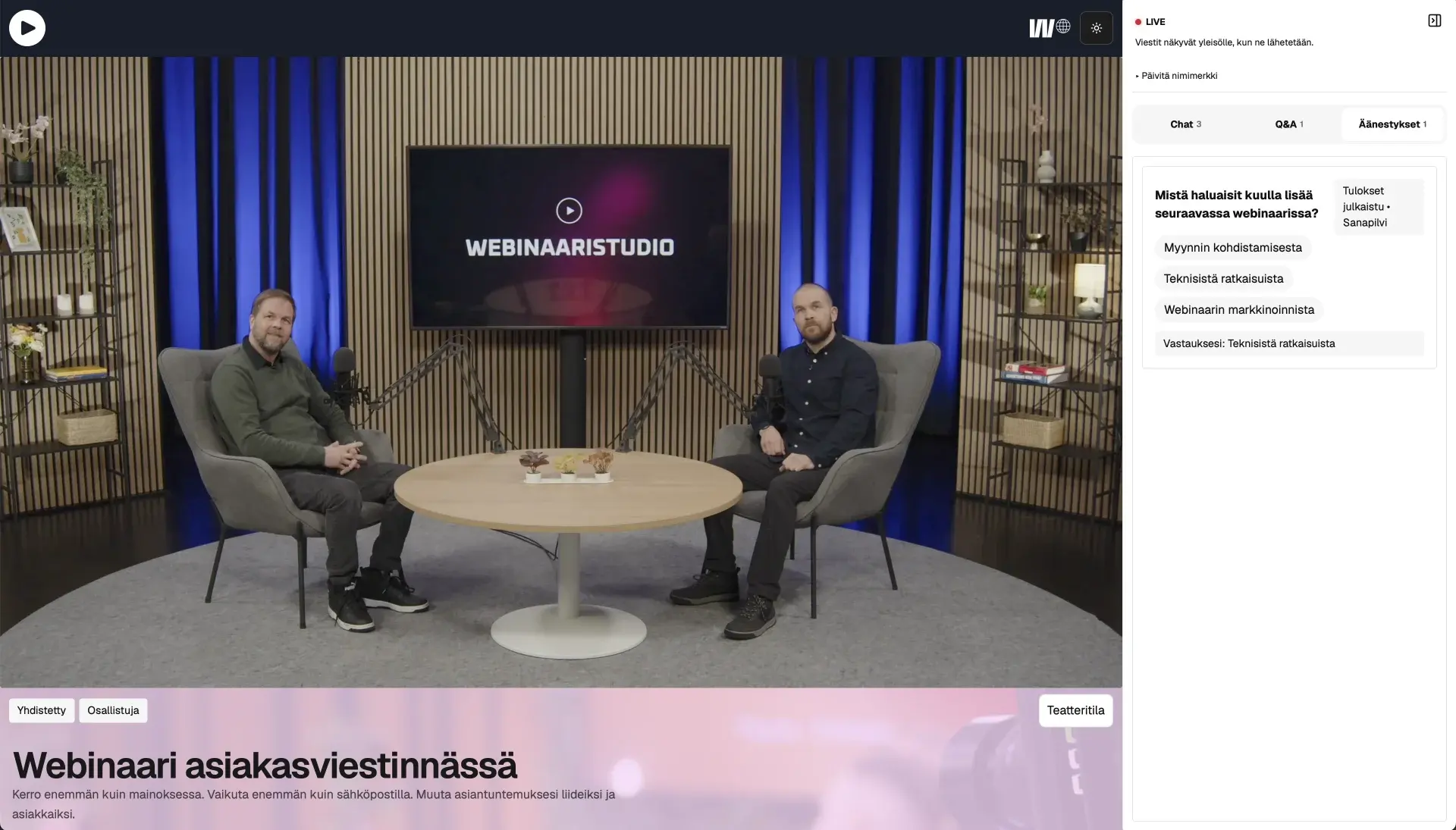
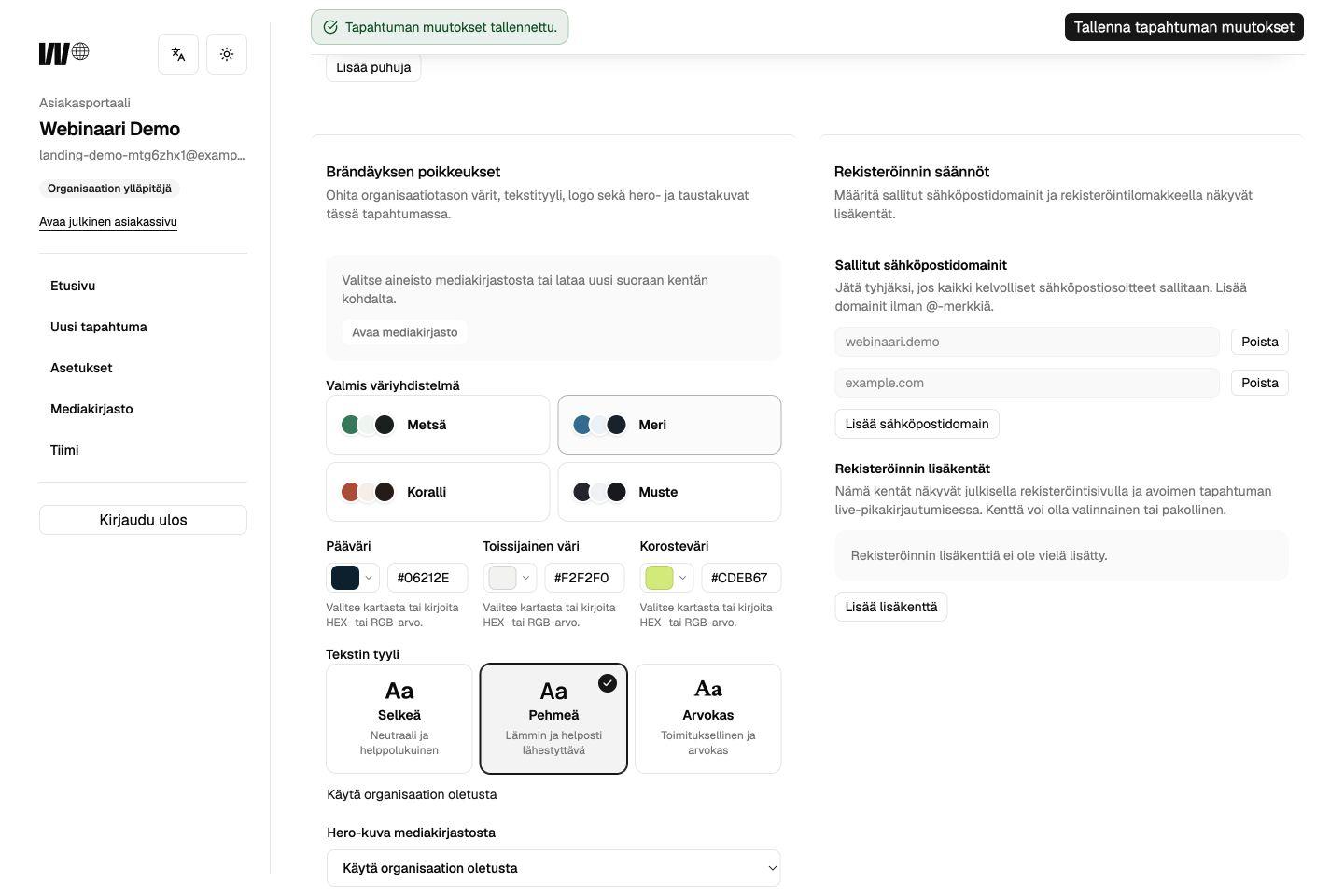
Add your logo, colors and imagery. Choose from three page layouts to give the event a look that feels like you.
An open layout that puts the agenda and speakers first.
Rounded shapes with clearly separated content sections.
A compact layout with clean lines.
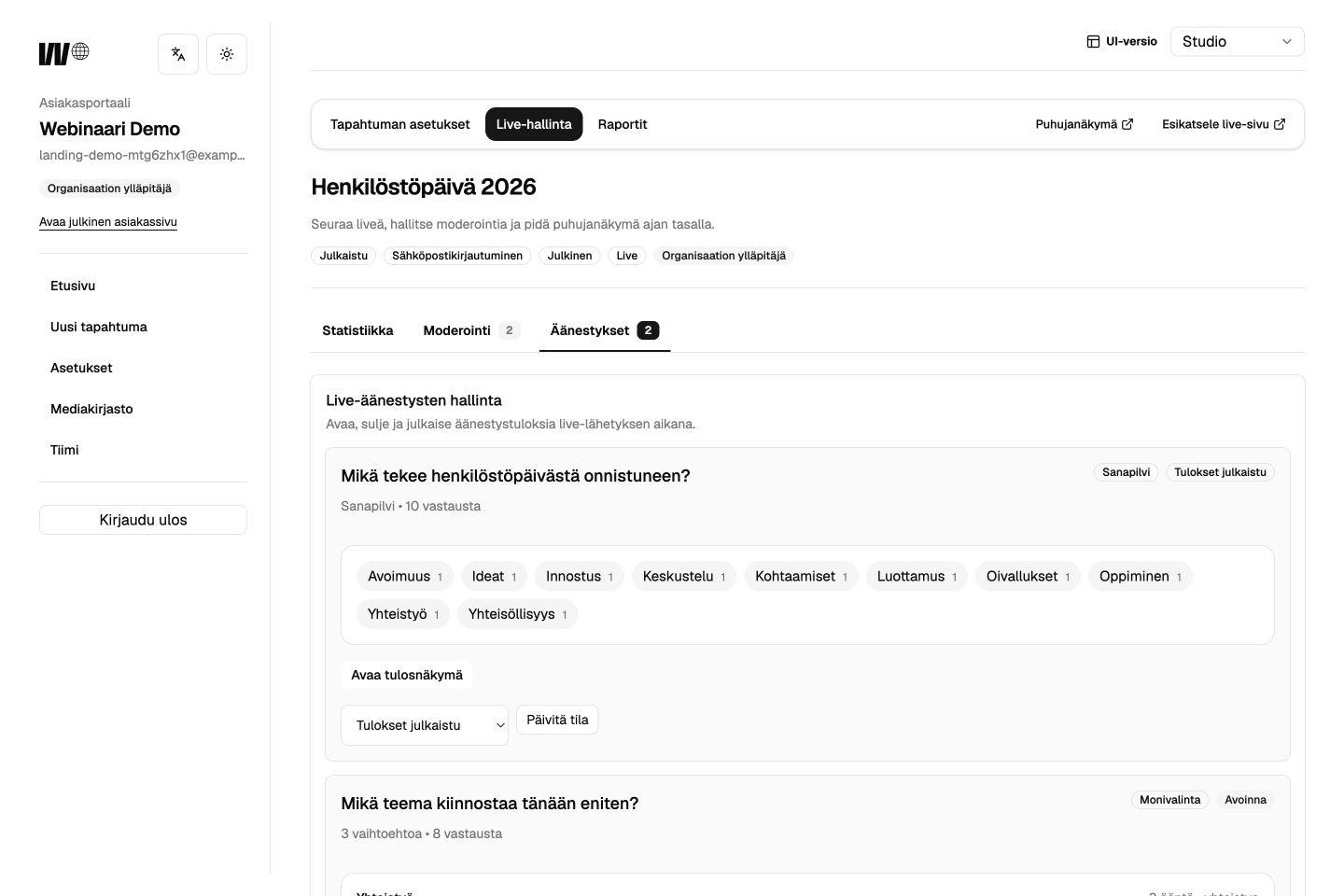
Guide the conversation, choose questions for speakers and open polls from one view. You decide what the audience sees and when.
See how people found your event, who registered and how the audience joined the conversation and polls. Download the data to plan your follow-up and your next webinar.
Tell us about your next event. We will show you how to handle registration, the broadcast and audience participation with Webinaari.